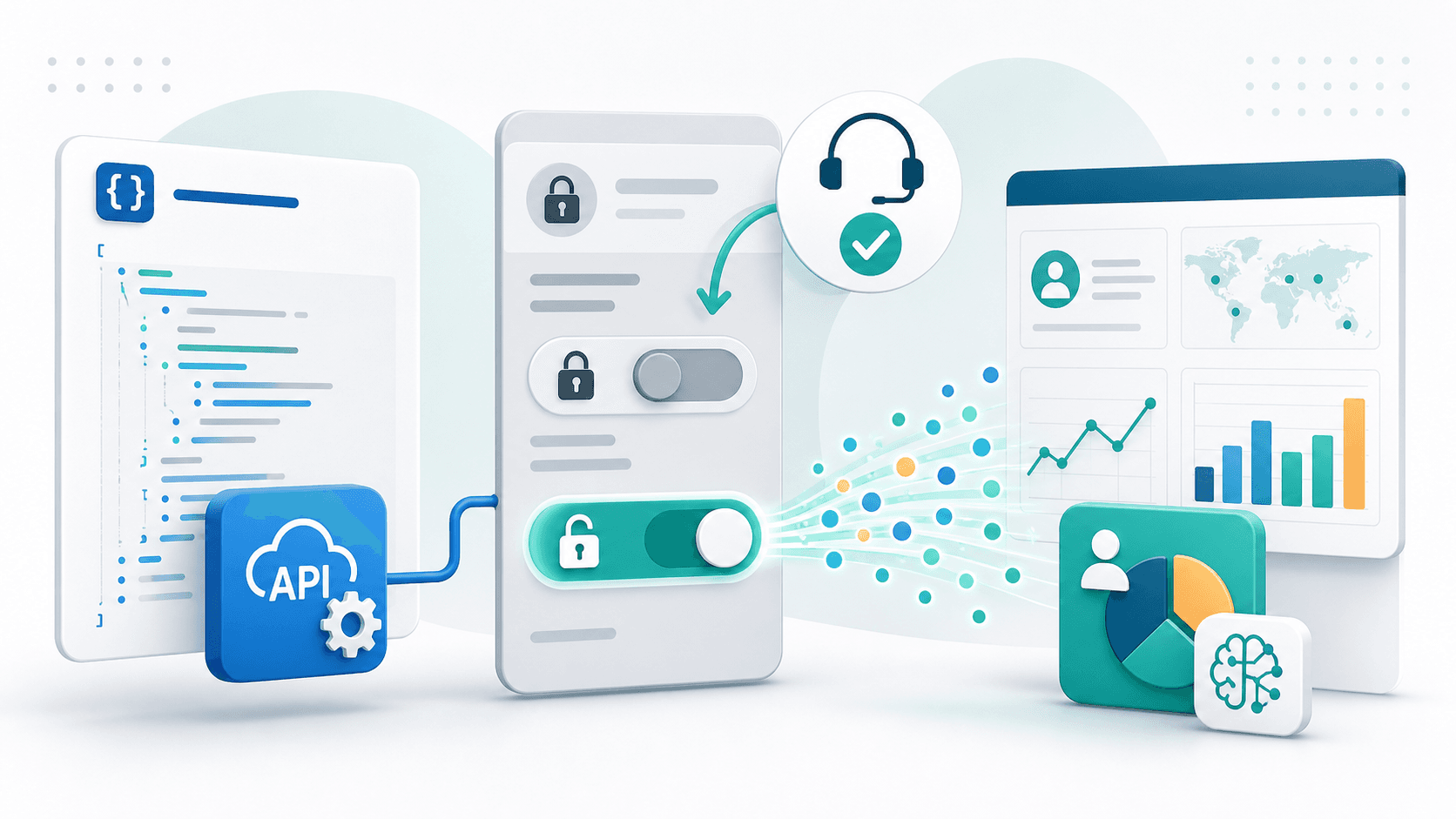
When Zoho SalesIQ Visitor API Permissions Do Not Appear in the UI
This is a narrow implementation note, but it is the kind of issue that matters when CRM, web analytics, and AI feedback loops start touching real systems.
I wanted to retrieve visitor data from Zoho SalesIQ through the official REST API.
The goal was simple: use SalesIQ visitor signals as part of a weekly content and CRM feedback loop. Publish an article, share it, review the response, and feed that context back into the next article or CRM workflow.
The official API exists:
But the actual setup had one confusing gap.
The documentation described a setting that was not visible in the current admin UI.
What the documentation says
The visitor list API uses this shape:
https://{SalesIQ server URI}/api/v3/{screenname}/visitors
For the JP data center, the SalesIQ server URI is salesiq.zoho.jp.
The documented OAuth scope is visitors.READ. In practice, it needs to be represented correctly in the Zoho API Console for SalesIQ.
The important prerequisite is the SalesIQ portal setting.
The visitor list API requires Basic visitor information to be enabled under Settings > Portal Settings > API Permissions.
That sounds straightforward: configure the OAuth scope, then enable visitor data access in SalesIQ portal settings.
Where the implementation got stuck
The problem was that the API Permissions menu was not visible in the admin UI.
The API documentation said the setting needed to be enabled. The current UI did not show the place to enable it.
When the API was called, the OAuth token itself appeared to be accepted, but the visitor list API still failed.
The response was effectively:
Visitor Feature not enabled in this plan
It would be too quick to conclude that the plan simply did not support visitor data.
The SalesIQ UI could show visitor information. The official API documentation described the visitor list endpoint. The missing piece was the portal-level API permission, not necessarily the OAuth token itself.
What Zoho Support clarified
The safe path was to ask Zoho Support directly:
- Is the API Permissions menu available in the JP SalesIQ environment?
- Is the menu located somewhere different from the documentation?
- Can
Basic visitor informationbe enabled for a Zoho One SalesIQ portal? - Are there administrator, plan, or backend requirements for the menu to appear?
I am intentionally not publishing portal IDs, account IDs, operator IDs, support ticket numbers, personal names, or any visitor-level details.
The useful conclusion is this:
In this case, the capability had to be enabled from the backend. It was not something that could be completed only through the visible UI.
After Support enabled it, the API Permissions setting became available, and the official v3 visitor API started returning visitor data.
What changed after enablement
After the backend enablement, the previous feature-gate error disappeared.
The official v3 API returned visitor rows successfully.
One practical detail mattered: pagination direction.
For retrieving recent visitors by moving backward from the current time, prev_key worked well.
GET https://salesiq.zoho.jp/api/v3/{screenname}/visitors?limit=50&prev_key={current_time_ms}
Using an older timestamp with next_key can return a no-results response depending on the query window.
The documentation explains both prev_key and next_key, but the difference can still be easy to misread when testing the API for the first time.
What the API returned
The official visitor list API returned basic visitor fields such as:
- Country
- Region and city
- Lead score
- Visit count
- First accessed time
- Last accessed time
That is useful for understanding broad visitor patterns.
It can answer questions like:
- Which regions are visiting?
- Are there repeat visitors?
- Are any visitors accumulating lead score?
- Is there recent activity after a campaign or article release?
But it did not provide every marketing attribution field I wanted.
For deeper content feedback, I still need other data sources for:
- Which article was viewed
- Which page URL was involved
- Whether the visit came from LinkedIn
- Which UTM campaign was present
- Which CTA was clicked
Those signals need to come from a combination of SalesIQ visit details, PageSense, site-side event tracking, or other official analytics routes.
The visitor list API should be treated as a basic visitor acquisition endpoint, not as a complete marketing analytics API.
Practical checklist
If you hit the same kind of issue, I would check in this order:
- Confirm the correct SalesIQ server URI for your data center.
- Confirm the screen name.
- Confirm the OAuth scope for SalesIQ visitor access.
- Look for
Settings > Portal Settings > API Permissions. - If the menu does not appear, contact Zoho Support and reference the official visitor list API documentation.
The key is to describe the documented feature you are trying to use, not to rely on unsupported workarounds.
For systems like Zoho, where products, data centers, plans, and backend capabilities can differ, the UI and documentation may not always line up perfectly for every account at the same moment.
That does not mean the official API is unusable. It may mean the portal needs a support-side enablement step.
Why this matters for CRM and AI workflows
This is a small technical issue, but it connects to a larger design pattern.
If a website, CRM, and AI workflow are going to work together, the data path needs to be official, repeatable, and explainable.
Publish content. Share it. Observe visitor behavior. Compare it with inquiries and CRM activity. Use that context to decide what to write or improve next.
That is a small System of Context.
But the context is only reliable if the source data is reliable.
In this case, enabling SalesIQ's official visitor API made it possible to retrieve basic visitor data without depending on hidden or fragile paths.
It is a niche detail, but these details are what turn a CRM from a passive record store into a system that can support better decisions.