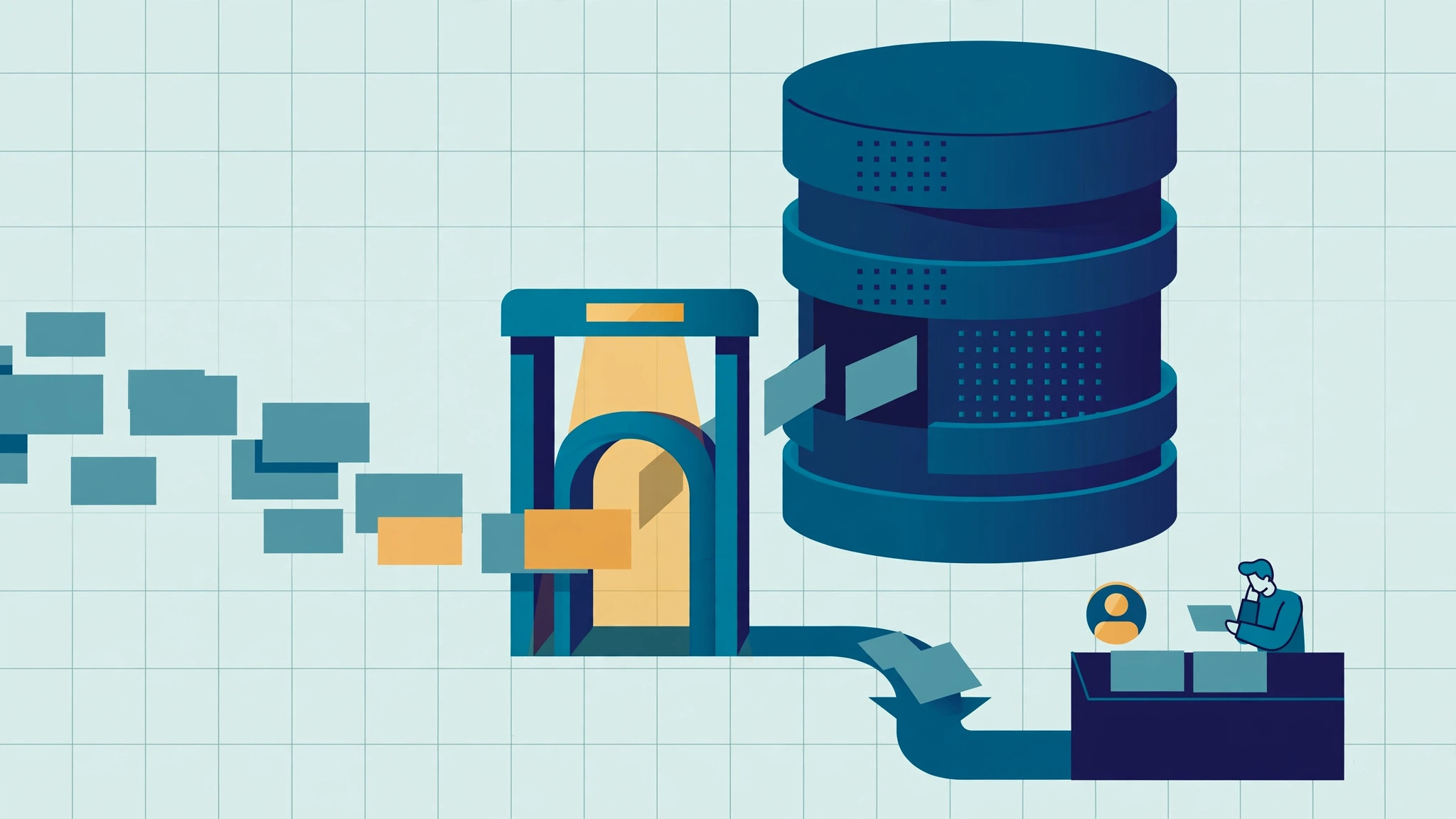
The way to stop duplicate leads in Zoho CRM is to check before you create: put a gateway function in front of Leads that normalizes the email and phone, looks for an existing record with a strict COQL query, and then either updates the existing lead, creates a new one, or sends the case to a human review queue. Anything the gateway is not certain about goes to the queue, never to an automatic merge. In my prototype, the gateway answered in 1 to 4 seconds per submission, and its 46-case normalization self-test passed 46 of 46.
Prototype note: everything below was built and tested on 2026-11-12 in my own Zoho CRM organization (crm.zoho.jp), using synthetic test records, plus a read-only pass over one Zoho Books organization. It is not client work. All numbers come from that test run.
Why do duplicate leads keep appearing in Zoho CRM?
Most duplicates are created at the door. A web form or an ad integration creates a lead first, and any duplicate check happens later, if at all. Two things make that worse:
- The same person writes their details differently each time. Upper-case email, full-width characters typed on a Japanese keyboard, hyphens or no hyphens in the phone number. A plain equality check treats these as different people.
- "Same phone" does not mean "same person". A company switchboard number is shared by many staff. Merging on phone alone mixes two colleagues into one record, and that is much harder to undo than leaving two records apart.
So the problem is not only finding duplicates. It is deciding which matches are safe to act on automatically and which ones need a person.
What is a duplicate prevention gateway?
A duplicate prevention gateway is a single function that every new lead passes through before it is written to the CRM. In this build it is a Deluge function. Deluge is Zoho's scripting language for functions and automation inside Zoho CRM. The gateway does four things, in this order:
- Logs the submission first. Each submission is written to a ledger module (
DG_Gateway_Log) with an idempotency key: the source name plus a submission ID. A resend of the same submission returns the original result instead of creating a second lead. - Normalizes. It builds match keys from email, phone, mobile, name and company. The keys are saved in separate fields. The original values are never overwritten.
- Matches with COQL. COQL (CRM Object Query Language) is Zoho CRM's SQL-like query API. Its
=operator is an exact match, which suits normalized keys. (Zoho COQL documentation) - Decides using a fixed order of rules. Only a strong match updates an existing lead. Anything ambiguous is either created with a "possible duplicate" flag or not created at all, and goes to a review queue (
DG_Review_Queue) with a reason code.
For Zoho's standard web forms, which create the record before any function can run, a workflow calls a post-check function right after creation. That function compares the new record against existing ones and flags it for review. It never edits the existing record.
Which matches are automatic, and which go to a person?
| Situation | What the gateway does | Tested case (2026-11-12) |
|---|---|---|
| No match | Creates the lead | M01: created |
| Email matches one lead | Updates that lead, filling empty fields only | M02: phone added to an existing lead, nothing overwritten |
| Email matches, phone is different | Links to the existing lead, keeps its phone, queues the difference | M03: existing phone unchanged, queue row created |
| Email matches one lead, phone matches a different lead | Creates nothing, queues both candidates | M05: both leads listed in the queue row, no create, no update |
| Person already exists as a Contact | Creates no lead, queues it and makes a task | M07: no lead, task created for the queue owner |
| Phone-only match (possible switchboard) | Creates the lead flagged "possible duplicate" and queues the pair | M04: created and queued, not marked for merge |
| Same submission sent twice | Returns the original result | Replay: no new lead, second ledger row marked DUPLICATE |
Two rules matter more than the table:
- The gateway never merges or deletes. Merges happen in Zoho's standard screen, by a person, from the queue.
- "Fill empty fields only". An existing value is never replaced by form input. Email and owner are never changed by the gateway.
Why not just use Zoho's standard Upsert or duplicate check?
Zoho CRM's standard Upsert API matches on chosen fields and writes in one call. That is efficient, but it overwrites with whatever you send and gives you one outcome per record. It cannot tell "email matches but phone differs" apart from a clean match, and it cannot stop and ask a person. I used separate COQL queries plus insert and update calls instead, because the whole point of this design is to tell those cases apart.
I also did not use the Search API for matching. COQL's exact match on a normalized key was the more predictable tool for this job.
When the gateway updates an existing lead, it sends an If-Unmodified-Since header. If someone else edited the lead in the meantime, Zoho rejects the write instead of silently overwriting it. (Update Records documentation)
What did the prototype actually measure?
All of the following were measured on 2026-11-12 in the test organization:
- Footprint: 15 functions, 3 custom modules, 15 key fields each on Leads and Contacts. The setup verifier reported
expected 85 / found 85, with nothing missing or mismatched. 5 workflow rules and 5 schedules were switched on and read back. - Normalization self-test: 46 cases, 46 PASS, 0 FAIL, in 1.46 seconds.
- Gateway time per call (from the ledger's elapsed-time field): new lead 2 to 4 seconds, update 2 seconds, update plus queue 3 seconds, queue only 1 to 2 seconds. A replayed submission came back in 1.23 seconds.
- Failure handling: a simulated "too many requests" error left the submission pending. The retry job tried 3 times, then marked it FAILED and opened a queue row. No lead was created. A run killed right after insert was found by the retry job, which closed the record as CREATED without creating a second one.
- Back-filling keys on existing records: each run read 200 leads, updated 166 to 178 of them (about 177 per run), and took about 52 to 63 seconds. Every run stopped on its own processing budget, not on a platform error. Errors were 0. By the time of the report, 1,937 leads had been processed and the back-fill was still running.
- Zoho Books, read-only: on 18 synthetic customers, the matching job produced 4 queue rows. Suppliers were not queued. On a real Books organization it read 55 customers with GET requests only, which the call log shows, and found 2 customer pairs sharing a phone number. It did not change anything in Books.
What can go wrong when you deploy a Deluge gateway in Zoho CRM?
- Copy-paste can break a normalizer. The first self-test run after re-installing the code gave 45 PASS and 1 FAIL. The cause was a single full-width character that had been garbled when a large block of code was pasted into the browser editor. It was not a logic error. After replacing that one character the test passed 46 of 46. That is a good argument for keeping a self-test inside the org, not only on your laptop.
- Zoho's "Hourly" schedule had a minimum of 2 hours in this org. Setting 1 hour reverted to 2 in the editor. The retry, key back-fill and scan jobs therefore run every 2 hours, not every hour.
- The module-creation API rejected an underscore in the singular label with
INVALID_DATA. I created the three modules in the UI instead. - Lock down the public face. The gateway is published as a REST function with OAuth2 on and the API-key (
zapikey) access off, both read back after saving. (Zoho docs on API-key access for functions) The Zoho Books connection has a single read scope,ZohoBooks.contacts.READ.
What is not proven yet?
I would rather list these than have a reader assume them:
- The REST call itself was not tested. The gateway logic was run from the Deluge IDE. The full external path, from a server through OAuth to the function, is still "to be measured".
- Simultaneous submissions were not tested. Reproducing a real race needs parallel REST calls, which the IDE cannot do. The design detects races after the fact and queues them. It does not claim to prevent them.
- The full scan has not run yet. It waits until the key back-fill finishes, and Contacts have not been back-filled yet.
- Standard web forms were simulated. I created the record from the CRM screen instead, which fires the same workflow condition.
Frequently asked questions
How do I stop duplicate leads from web forms in Zoho CRM? Route form submissions through a function that checks before it creates. Normalize email and phone into separate key fields, query existing Leads and Contacts with COQL, and update an existing lead only on a strong match: mainly when the email key matches exactly one record, or in the narrower case where the phone and name keys match a lead that has no email. Send everything else to a review queue instead of merging automatically.
Can Zoho CRM merge duplicate leads automatically? It is possible to automate, but this prototype deliberately does not. Merging two different people is hard to undo, and a shared office phone number is a common cause of false matches. The gateway flags and queues. A person merges in Zoho's standard screen.
Is the standard Upsert enough to prevent duplicates? Upsert works for simple cases where one field reliably identifies a person. It overwrites with the values you send and cannot route a conflicting match, such as same email but different phone, to a human. If you need "fill empty fields only" and a review queue, you need your own matching logic.
Does this work with Zoho Books customers too? In this prototype, partly. A scheduled job reads Books customers with GET requests only and reports customers that share an email or phone as review pairs. It never writes to Books. Linking Books customers to CRM records was left as design only.
What I would do in a real deployment
Start with a read-only scan to see how many duplicates you already have, and which match rules would have caught them, before switching any form to the gateway. Then move one form at a time. Keep the review queue small enough that someone actually works it every day. A queue nobody reads is just a second place where duplicates hide.
Related builds on this blog:
- Human-approved AI drafts in Zoho CRM: the same "a person decides, the function only proposes" boundary, applied to AI output.
- Round-robin lead assignment in Zoho CRM: what happens to a lead after it gets through the door.
- Zoho Bookings and CRM check-in follow-up: another build where a ledger keeps re-runs from doing things twice.
- Normalization code from this build, on GitHub: the key-building function behind the gateway, published as a reading excerpt.
About the author: I build Zoho CRM customizations and integrations, covering requirements, Deluge development, API work and rollout support. This article describes a prototype in my own test organization, not a client project. If duplicate leads are a problem in your Zoho CRM, you can reach me through the contact page, which links to LinkedIn and Upwork.